Contact
Line : comsiam
Contact
Line : comsiam

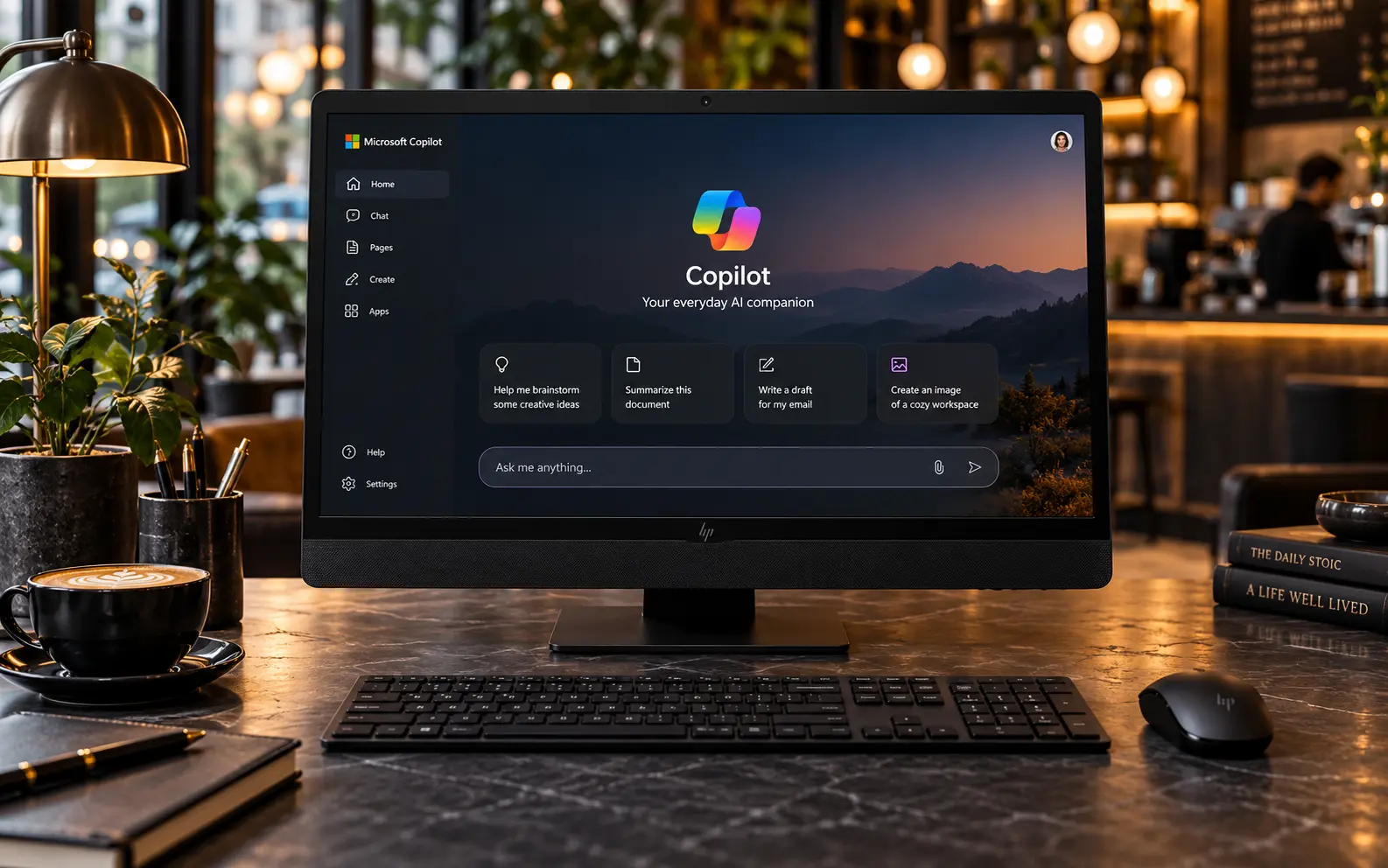
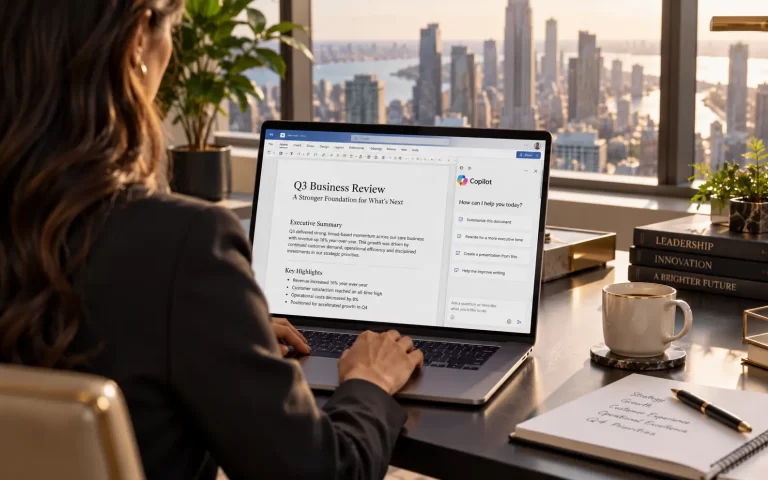
Microsoft 365 Business Standard มี Copilot หรือไม่ คำตอบคือ มี Microsoft 365 Copilot Chat รวมอยู่ในแพ็กเกจที่เข้าเกณฑ์ แต่ยังไม่ใช่ Microsoft Copilot แบบเต็มทุกฟีเจอร์
ผู้ใช้ Business Standard สามารถใช้ Copilot Chat สำหรับถามคำถาม ค้นข้อมูลจากเว็บ ช่วยเขียน สรุป วิเคราะห์ และทำงานกับ AI ได้โดยไม่ต้องซื้อ Copilot Add-on เพิ่ม
แต่ถ้าต้องการให้ Copilot ทำงานกับ Word, Excel, PowerPoint, Outlook, Microsoft Teams และข้อมูลงานขององค์กรในระดับที่ลึกขึ้น ต้องซื้อ Microsoft Copilot Business เพิ่มให้กับผู้ใช้นั้น
มี
Microsoft ระบุว่า Microsoft 365 Business Standard เป็นหนึ่งในแพ็กเกจที่มีสิทธิ์ใช้งาน Microsoft 365 Copilot Chat โดยไม่มีค่า Copilot เพิ่ม
ดังนั้น ถ้าบริษัทมี Business Standard อยู่แล้ว พนักงานสามารถเริ่มใช้ Copilot Chat ได้ตามการตั้งค่าของผู้ดูแลระบบ
Copilot Chat เหมาะสำหรับงาน เช่น
Copilot ที่รวมมาโดยไม่ต้องซื้อ Add-on คือ Microsoft 365 Copilot Chat
Microsoft อธิบายว่าเป็น Secure AI Chat สำหรับองค์กร
สามารถใช้
แต่สิทธิ์ด้าน Work Data จะจำกัดกว่าบัญชีที่มี Microsoft Copilot Business License
ไม่ได้โดยอัตโนมัติ
การมี Business Standard หมายความว่า
คุณมี Copilot Chat
แต่ถ้าต้องการ Microsoft Copilot แบบเต็ม ต้องซื้อ Add-on เพิ่ม
Microsoft ระบุว่า Business Standard เป็นหนึ่งในแผนที่มีสิทธิ์ซื้อ Microsoft Copilot Business เพิ่มได้
ดังนั้นโครงสร้างคือ
Business Standard + Copilot Chat → รวมอยู่แล้ว
Business Standard + Microsoft Copilot Business → ความสามารถ AI เพิ่มขึ้น
เมื่อเพิ่ม Microsoft Copilot Business จะได้ความสามารถ เช่น
Microsoft ระบุว่า Copilot Business ให้ความสามารถ AI แบบพรีเมียมสำหรับธุรกิจขนาดเล็กและกลาง และเชื่อมกับประสบการณ์ Microsoft 365 ที่ใช้อยู่แล้ว
Business Standard มี Word Desktop อยู่แล้ว
ถ้ามีเพียง Business Standard โดยไม่มี Copilot Business คุณสามารถใช้ Copilot Chat ตามสิทธิ์ที่ Microsoft เปิดให้
แต่ถ้าต้องการ Copilot ใน Word แบบเต็ม เช่น
ควรเพิ่ม Microsoft Copilot Business
Microsoft แสดงแพ็กเกจ Business Standard with Copilot ว่าสามารถใช้ Copilot ที่อิงข้อมูลงานจริงใน Word ได้
ได้เมื่อมี Copilot Business ตามสิทธิ์ที่รองรับ
สามารถใช้ช่วย
สำหรับบริษัทที่ใช้ Excel เป็นเครื่องมือหลัก การเพิ่ม Copilot Business จะมีประโยชน์มากกว่าใช้ Copilot Chat อย่างเดียว
ได้ในแพ็กเกจที่มี Copilot Business
Copilot สามารถช่วย
เหมาะกับฝ่ายขาย Marketing ผู้บริหาร และทีมที่ต้องทำ Presentation บ่อย
ได้ตาม License
เมื่อมี Microsoft Copilot Business สามารถใช้ Copilot ช่วยงาน Outlook ได้ลึกขึ้น เช่น
สำหรับพนักงานที่ได้รับอีเมลจำนวนมาก จุดนี้สามารถช่วยลดเวลาได้มาก
ได้เมื่อมีสิทธิ์ที่รองรับ
Microsoft Copilot Business สามารถทำงานร่วมกับ Microsoft Teams เพื่อช่วย
Business Standard มี Teams อยู่แล้วในแพ็กเกจที่รวม Teams ดังนั้นเมื่อเพิ่ม Copilot Business ก็สามารถใช้ AI ในระบบประชุมและ Collaboration ได้มากขึ้น
ทั้ง Business Basic และ Business Standard มี Copilot Chat และสามารถซื้อ Copilot Business เพิ่มได้
แต่ Business Standard เพิ่ม Desktop Apps เช่น
ขณะที่ Business Basic เน้น Web และ Mobile Apps มากกว่า
ดังนั้น ถ้าต้องการใช้งาน Copilot กับ Office Desktop อย่างจริงจัง Business Standard จะเหมาะกว่า
Business Standard เน้น Productivity
ส่วน Business Premium เพิ่มความสามารถด้าน
ในเรื่อง Copilot ทั้งสองแพ็กเกจสามารถซื้อ Microsoft Copilot Business เพิ่มได้
ดังนั้นถ้าความต้องการหลักคือ Word, Excel, PowerPoint และ Copilot Business Standard อาจเพียงพอ
แต่ถ้าต้องการ Security เพิ่ม ควรดู Premium
Microsoft ประเทศไทยปัจจุบันแสดงแพ็กเกจ
Microsoft 365 Business Standard + Microsoft 365 Copilot Business
ราคา
USD$23.50 ต่อผู้ใช้/เดือน
เมื่อชำระรายปี
และยังไม่รวมภาษี
แพ็กเกจนี้รวมทั้ง Microsoft 365 Business Standard และ Copilot Business ใน Subscription เดียว
Microsoft ระบุว่า Business Standard with Copilot รวม
จึงเหมาะกับธุรกิจที่ต้องการทั้ง Microsoft 365 และ Copilot พร้อมกัน
ไม่จำเป็น
ถ้ามี Business Standard อยู่แล้ว สามารถซื้อ Microsoft Copilot Business เป็น Add-on ได้โดยตรง
Microsoft ระบุว่า Business Standard เป็นหนึ่งในแพ็กเกจที่มีสิทธิ์ซื้อ Copilot Business เพิ่ม
ดังนั้นไม่ต้องซื้อ Business Standard ซ้ำ
Microsoft Copilot Business ออกแบบสำหรับลูกค้า SMB ที่มีผู้ใช้ไม่เกิน 300 คน
และรองรับ Copilot Business ได้สูงสุด 300 Seats ต่อ Tenant
ดังนั้นเหมาะกับ
ถ้ามากกว่านั้นควรดู Microsoft Copilot สำหรับ Enterprise
ไม่จำเป็น
บริษัทสามารถซื้อเฉพาะคนที่ต้องใช้ AI จริง
ตัวอย่างเช่น
พนักงานทั่วไปยังใช้ Copilot Chat ที่รวมอยู่กับ Business Standard ได้
วิธีนี้ช่วยลดค่า License ได้มาก
Work IQ ช่วยให้ Copilot เข้าใจบริบทการทำงานของผู้ใช้
เช่น
Microsoft ระบุว่า Copilot Business ใช้ Work IQ เพื่อให้ AI ตอบตามบริบทของงานได้ดีขึ้น
นี่คือหนึ่งในความแตกต่างสำคัญระหว่าง Copilot Chat กับ Copilot Business แบบเต็ม
Microsoft ระบุว่า Copilot Chat Available at no extra cost สำหรับผู้ใช้ Microsoft Entra ที่มี Microsoft 365 Business Standard ที่เข้าเกณฑ์
ดังนั้นไม่ได้เสีย Copilot License เพิ่มสำหรับ Chat พื้นฐาน
แต่คำว่า “ฟรี” ไม่ได้หมายความว่า Microsoft 365 Business Standard ฟรี
คุณยังต้องจ่ายค่า Subscription Business Standard ตามปกติ
Microsoft ระบุว่า Copilot Chat เป็น Baseline Secure AI Chat สำหรับองค์กร
มีระบบด้าน
อย่างไรก็ตาม บริษัทควรจัดการสิทธิ์
ให้ถูกต้องก่อนใช้งาน AI ในวงกว้าง
เหมาะมาก
เพราะ Business Standard มี
อยู่แล้ว
บริษัทสามารถเริ่มจาก Copilot Chat ก่อน
จากนั้นดูว่าพนักงานกลุ่มไหนต้องใช้ Work Data และ Copilot ใน Word, Excel, Outlook หรือ Teams แบบเต็ม
แล้วค่อยเพิ่ม Copilot Business เฉพาะกลุ่มนั้น
ถ้าเน้น
Business Standard + Copilot อาจเพียงพอ
ถ้าต้องการเพิ่ม
Business Premium + Copilot จะเหมาะกว่า
ดังนั้นความแตกต่างหลักไม่ได้อยู่ที่ Copilot อย่างเดียว แต่เป็น Security และ IT Management ด้วย
Microsoft 365 Business Standard มี Microsoft 365 Copilot Chat รวมอยู่โดยไม่มีค่า Copilot เพิ่มสำหรับผู้ใช้ที่มีสิทธิ์ และสามารถใช้ AI Chat สำหรับ Research การเขียน การสรุป และงานทั่วไปได้
แต่ถ้าต้องการ Microsoft Copilot แบบเต็มใน Word, Excel, PowerPoint, Outlook และ Teams พร้อม Work IQ, Researcher, Analyst และข้อมูลงานขององค์กร ต้องเพิ่ม Microsoft Copilot Business License
Microsoft ยังมีแพ็กเกจ Business Standard with Copilot ที่ราคา USD$23.50 ต่อผู้ใช้/เดือนแบบชำระรายปี และยังไม่รวมภาษี
สำหรับธุรกิจ comsiam แนะนำให้เริ่มจาก Copilot Chat ที่มีอยู่ใน Business Standard ก่อน แล้วค่อยซื้อ Copilot Business ให้เฉพาะพนักงานที่ต้องใช้ AI เชื่อมกับ Word, Excel, Outlook, Teams และข้อมูลงานจริง วิธีนี้ช่วยควบคุมค่า License ได้ดีที่สุด